10 Pro Tips for Successful Fundraising Online in the Modern Political Landscape
Reach Voters
Online fundraising has transformed how political campaigns and nonprofits raise money, engage supporters, and meet financial goals. In a world where online platforms dominate the way people communicate, digital fundraising is now the best avenue to maximize donations and build trust with donors. To navigate this landscape, strategy and access to the right tool are required to meet your unique needs.
Successful online fundraising requires more than slapping up a donation form, whether it’s a political campaign, nonprofit organization, or personal cause. It requires building relationships, mobilizing support around your message, and using intelligent fundraising strategies to create effective outcomes.
This article will cover ten professional tips to help you maximize your online fundraising efforts. These tips can help you raise more money, build lasting relationships with supporters, and reach or exceed your organization’s fundraising goals.
1. Develop a Strong Digital Presence
Your digital presence forms the first impression when it comes to online fundraising. It means everything, from the website to the social media accounts. You must build an attractive website with a marked “donate” tab that is easy to use. Your site should grant donors the ability to donate quickly and easily, record their giving history, and be assured security.
Use branded messaging in concert with the goals of your campaign to further your organization’s identity. If your platform is easy to use and reflects your mission, it will make it easier to gather donations and raise the most money possible.
Pro Tip: online fundraising platforms
Use a dedicated fundraising website for a smooth process. GoFundMe or other online fundraising platforms are designed to accept donations easily and maximize your impact.
2. Tell a Compelling Story
Such a powerful story can raise much more money and incite donors to give much more. Online fundraising is not all about the ‘ask’ but about emotionally connecting your supporters to the heart of their needs. Use your platform to tell a captivating story that showcases the cause, challenges, and the difference your fundraiser can make towards your campaign. Be it for a political campaign, a nonprofit initiative, or a personal reason, people are much more inclined to contribute once they understand how important and impactful their gift can be.
Pro Tip: Build trust
Ensure your storytelling is customized to include a personal anecdote or statistic relevant to your donor’s interests. The more personalized the outreach, the quicker it will gain the donor’s trust and, therefore, his or her willingness to support future fundraising efforts.
3. Leverage Data and Analytics for Targeted Campaigns
Third-party fundraising software or crowdfunding websites provide insight into vital data regarding donor behavior. Using the data provided, learn who gives, at what time, and how much they give to adapt your campaigns. Segment donors using the given pattern of giving so that you may personalize outreach and build targeted messages relevant to donation history.
Pro Tip: Online fundraising strategies.
Pro Tip: Track funds raised, average donation amounts, and recurring gifts. This will keep you updated with participants’ preferences and help you build more innovative and effective online fundraising strategies.
4. Maximize Social Media for Outreach
Facebook, Instagram, Twitter, and TikTok allow you to access millions of potential donors. Use these networks to share your campaign updates and promote fundraising ideas and online fundraising programs that can quickly bring money in the door. Social media fundraising works exceptionally well for nonprofit fundraising because it can reach many people and costs little to communicate with your audience.
Pro Tip: Use social proof
Use social proof, such as sharing other donors’ posts, to inspire action from your audience. Integrate some element of peer-to-peer (P2P) fundraising into your campaign for scalability. P2P fundraising is a way to get your supporters to raise funds for your cause by sharing your campaign with their networks.
5. Make It Easy to Donate
Convenience is everything in online fundraising. The easier it is to give to someone, the likelier they’ll be to support your mission. Include an easy donation form with various payment methods, including credit cards, PayPal, and text-to-give. Be sure your online donation form is optimized for mobile devices so donors can give when on the go.
Pro Tip: Automat monthly contributions
Recurring donations will help you grow revenue over time. Allow the opportunity for your donors to make monthly contributions automatically, and you’ll build a predictable revenue stream.
6. Host Virtual Fundraising Events
Virtual events are fantastic ways to engage donors, raise some serious money, and build a little community when in-person events are out of the question. Webinars, virtual town halls, and other events with live streams provide unique online fundraising ideas that connect you with supporters in real-time. Events like these can be exciting opportunities that spur donations during the live session. You can also hold a virtual auction or sell tickets to raise funds during the event.
Pro Tip: Create interactive opportunities
Embed engagement opportunities, like Q&A during the event and a virtual fundraising kit or unique content, to incentivize donors to give more.
7. Use Email Marketing for Personalized Outreach
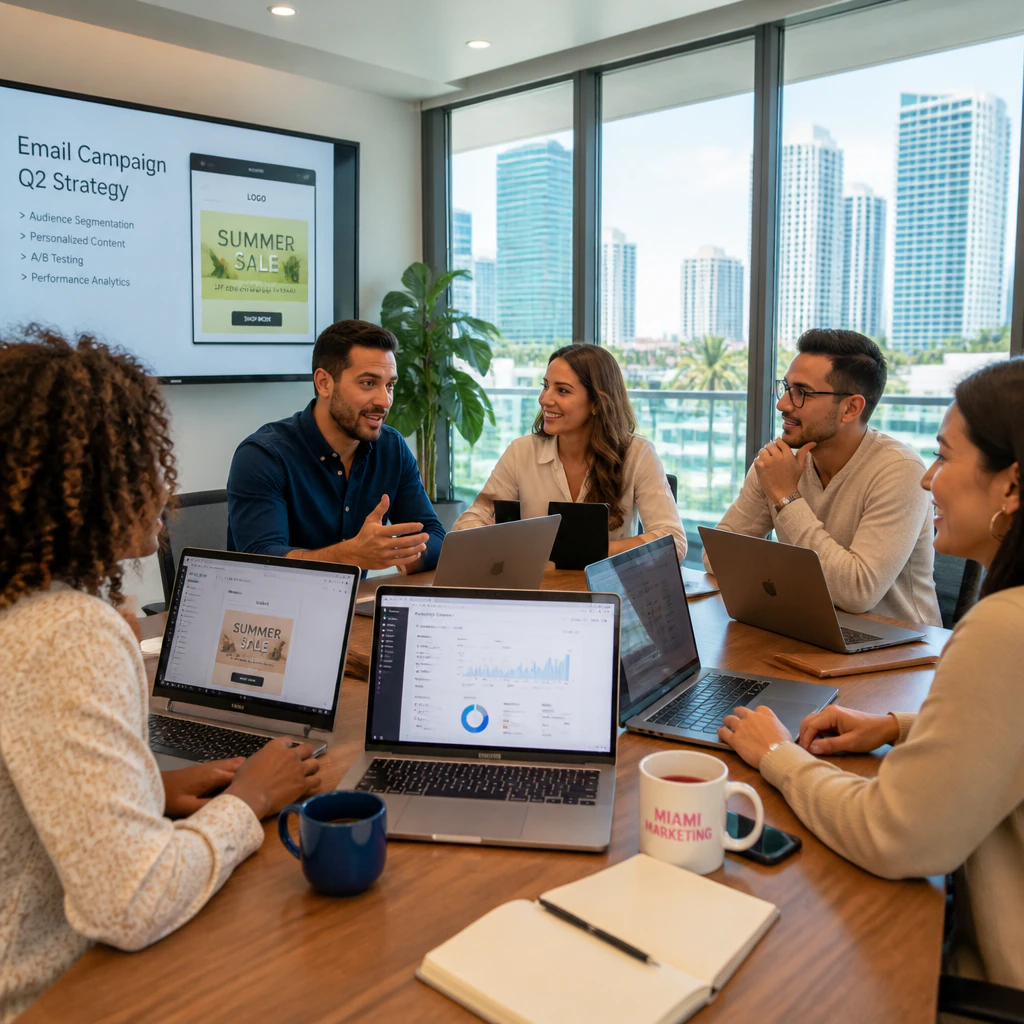
Email marketing remains one of the most efficient ways to fundraise online. An adequately designed email campaign can target new and existing donors with an appeal for personalized messages. Segment your donor information to create personal messages for different sections of your email list. Send thank-you notes to recurring donors and encourage more significant donations by offering special incentives like branded merchandise or virtual event access.
Pro Tip: Use automated email campaigns
Use automated email campaigns triggered by donor behavior. For example, if a supporter gives for the first time, send a welcome email and communicate the difference their gift makes.
8. Incorporate Peer-to-Peer Fundraising
Peer-to-peer fundraising is a great way to empower your supporters to raise money for your organization. It is a vital tactic for nonprofits and political campaigns, extending your message to new audiences. Each participant within a peer-to-peer fundraising campaign will have his or her fundraising page, which he or she can then use to share with friends, family, and coworkers and collect donations.
Pro Tip: Matching gift initiative
Run a peer-to-peer fundraising campaign with a matching gift program. This will help you raise even more money, as donors will give more knowing their contribution is being matched.
9. Express Gratitude and Offer Transparency
Thank donors and let them know their money is being used to instill confidence. Whether by handwritten note or automated thank-you email, they will give again if thanked. Additionally, complete transparency over the distribution of funds should be carried out to instill more confidence in the donors. Share with them updates, reports, and success stories that outline tangibly what their gifts have done.
Pro Tip: Share progress reports and financial updates.
Share progress and financial reports publicly through your fundraising website. This will keep donors informed and help them know their dollars are working.
10. Invest in the Right Fundraising Software
By utilizing intelligent fundraising tools and platforms, it’s possible to increase efficiency in fundraising activities for maximum funds. The tools will, for instance, help track donations, process payments, and manage donors’ data. Other tools allow the creation of crowdfunding pages via GoFundMe or all-in-one nonprofit fundraising software. A good fundraising platform gives insight into your campaign’s performance, hence letting you make data-driven decisions that meet your fundraising goals more efficiently.

Pro Tip: Use a customizable fundraising platform
Leverage an online fundraising platform that offers customizable donation forms, secure and reliable online payment processing, and recurring gift capabilities. It allows you to raise more money with donor ease in giving.
Fundraising online is an essential strategy that nonprofits, political campaigns, and even a personal cause consider. Add the right tools, a great story to tell, and a personal relationship with the donor, and you will maximize your fundraising and raise more. From online fundraising platforms to virtual events and peer-to-peer campaigns, the secret to successful fundraising is making it personal and convenient while earning trust. Start today by following these pro tips and see your online fundraising take flight.
Whether you’re just starting out or are a seasoned fundraiser looking to improve some of your current strategies, these tips will help you raise funds effectively in the modern political landscape. You can excite your supporters, increase funds, and easily reach your fundraising goals.

We Strategize
To provide effective political marketing strategies.
Reach Voters is a full-service digital marketing agency based in Miami. Our digital team provides digital strategy consulting for political campaigns and candidates.
This mode enables people with epilepsy to use the website safely by eliminating the risk of seizures that result from flashing or blinking animations and risky color combinations.
Visually Impaired Mode
Improves website's visuals
This mode adjusts the website for the convenience of users with visual impairments such as Degrading Eyesight, Tunnel Vision, Cataract, Glaucoma, and others.
Cognitive Disability Mode
Helps to focus on specific content
This mode provides different assistive options to help users with cognitive impairments such as Dyslexia, Autism, CVA, and others, to focus on the essential elements of the website more easily.
ADHD Friendly Mode
Reduces distractions and improve focus
This mode helps users with ADHD and Neurodevelopmental disorders to read, browse, and focus on the main website elements more easily while significantly reducing distractions.
Blindness Mode
Allows using the site with your screen-reader
This mode configures the website to be compatible with screen-readers such as JAWS, NVDA, VoiceOver, and TalkBack. A screen-reader is software for blind users that is installed on a computer and smartphone, and websites must be compatible with it.
Online Dictionary
Readable Experience
Content Scaling
Default
Text Magnifier
Readable Font
Dyslexia Friendly
Highlight Titles
Highlight Links
Font Sizing
Default
Line Height
Default
Letter Spacing
Default
Left Aligned
Center Aligned
Right Aligned
Visually Pleasing Experience
Dark Contrast
Light Contrast
Monochrome
High Contrast
High Saturation
Low Saturation
Adjust Text Colors
Adjust Title Colors
Adjust Background Colors
Easy Orientation
Mute Sounds
Hide Images
Hide Emoji
Reading Guide
Stop Animations
Reading Mask
Highlight Hover
Highlight Focus
Big Dark Cursor
Big Light Cursor
Cognitive Reading
Virtual Keyboard
Navigation Keys
Voice Navigation
Accessibility Statement
reachvoters.com
July 14, 2026
Compliance status
We firmly believe that the internet should be available and accessible to anyone, and are committed to providing a website that is accessible to the widest possible audience,
regardless of circumstance and ability.
To fulfill this, we aim to adhere as strictly as possible to the World Wide Web Consortium’s (W3C) Web Content Accessibility Guidelines 2.1 (WCAG 2.1) at the AA level.
These guidelines explain how to make web content accessible to people with a wide array of disabilities. Complying with those guidelines helps us ensure that the website is accessible
to all people: blind people, people with motor impairments, visual impairment, cognitive disabilities, and more.
This website utilizes various technologies that are meant to make it as accessible as possible at all times. We utilize an accessibility interface that allows persons with specific
disabilities to adjust the website’s UI (user interface) and design it to their personal needs.
Additionally, the website utilizes an AI-based application that runs in the background and optimizes its accessibility level constantly. This application remediates the website’s HTML,
adapts Its functionality and behavior for screen-readers used by the blind users, and for keyboard functions used by individuals with motor impairments.
If you’ve found a malfunction or have ideas for improvement, we’ll be happy to hear from you. You can reach out to the website’s operators by using the following email
Screen-reader and keyboard navigation
Our website implements the ARIA attributes (Accessible Rich Internet Applications) technique, alongside various different behavioral changes, to ensure blind users visiting with
screen-readers are able to read, comprehend, and enjoy the website’s functions. As soon as a user with a screen-reader enters your site, they immediately receive
a prompt to enter the Screen-Reader Profile so they can browse and operate your site effectively. Here’s how our website covers some of the most important screen-reader requirements,
alongside console screenshots of code examples:
Screen-reader optimization: we run a background process that learns the website’s components from top to bottom, to ensure ongoing compliance even when updating the website.
In this process, we provide screen-readers with meaningful data using the ARIA set of attributes. For example, we provide accurate form labels;
descriptions for actionable icons (social media icons, search icons, cart icons, etc.); validation guidance for form inputs; element roles such as buttons, menus, modal dialogues (popups),
and others. Additionally, the background process scans all the website’s images and provides an accurate and meaningful image-object-recognition-based description as an ALT (alternate text) tag
for images that are not described. It will also extract texts that are embedded within the image, using an OCR (optical character recognition) technology.
To turn on screen-reader adjustments at any time, users need only to press the Alt+1 keyboard combination. Screen-reader users also get automatic announcements to turn the Screen-reader mode on
as soon as they enter the website.
These adjustments are compatible with all popular screen readers, including JAWS and NVDA.
Keyboard navigation optimization: The background process also adjusts the website’s HTML, and adds various behaviors using JavaScript code to make the website operable by the keyboard. This includes the ability to navigate the website using the Tab and Shift+Tab keys, operate dropdowns with the arrow keys, close them with Esc, trigger buttons and links using the Enter key, navigate between radio and checkbox elements using the arrow keys, and fill them in with the Spacebar or Enter key.Additionally, keyboard users will find quick-navigation and content-skip menus, available at any time by clicking Alt+1, or as the first elements of the site while navigating with the keyboard. The background process also handles triggered popups by moving the keyboard focus towards them as soon as they appear, and not allow the focus drift outside it.
Users can also use shortcuts such as “M” (menus), “H” (headings), “F” (forms), “B” (buttons), and “G” (graphics) to jump to specific elements.
Disability profiles supported in our website
Epilepsy Safe Mode: this profile enables people with epilepsy to use the website safely by eliminating the risk of seizures that result from flashing or blinking animations and risky color combinations.
Visually Impaired Mode: this mode adjusts the website for the convenience of users with visual impairments such as Degrading Eyesight, Tunnel Vision, Cataract, Glaucoma, and others.
Cognitive Disability Mode: this mode provides different assistive options to help users with cognitive impairments such as Dyslexia, Autism, CVA, and others, to focus on the essential elements of the website more easily.
ADHD Friendly Mode: this mode helps users with ADHD and Neurodevelopmental disorders to read, browse, and focus on the main website elements more easily while significantly reducing distractions.
Blindness Mode: this mode configures the website to be compatible with screen-readers such as JAWS, NVDA, VoiceOver, and TalkBack. A screen-reader is software for blind users that is installed on a computer and smartphone, and websites must be compatible with it.
Keyboard Navigation Profile (Motor-Impaired): this profile enables motor-impaired persons to operate the website using the keyboard Tab, Shift+Tab, and the Enter keys. Users can also use shortcuts such as “M” (menus), “H” (headings), “F” (forms), “B” (buttons), and “G” (graphics) to jump to specific elements.
Additional UI, design, and readability adjustments
Font adjustments – users, can increase and decrease its size, change its family (type), adjust the spacing, alignment, line height, and more.
Color adjustments – users can select various color contrast profiles such as light, dark, inverted, and monochrome. Additionally, users can swap color schemes of titles, texts, and backgrounds, with over seven different coloring options.
Animations – person with epilepsy can stop all running animations with the click of a button. Animations controlled by the interface include videos, GIFs, and CSS flashing transitions.
Content highlighting – users can choose to emphasize important elements such as links and titles. They can also choose to highlight focused or hovered elements only.
Audio muting – users with hearing devices may experience headaches or other issues due to automatic audio playing. This option lets users mute the entire website instantly.
Cognitive disorders – we utilize a search engine that is linked to Wikipedia and Wiktionary, allowing people with cognitive disorders to decipher meanings of phrases, initials, slang, and others.
Additional functions – we provide users the option to change cursor color and size, use a printing mode, enable a virtual keyboard, and many other functions.
Browser and assistive technology compatibility
We aim to support the widest array of browsers and assistive technologies as possible, so our users can choose the best fitting tools for them, with as few limitations as possible. Therefore, we have worked very hard to be able to support all major systems that comprise over 95% of the user market share including Google Chrome, Mozilla Firefox, Apple Safari, Opera and Microsoft Edge, JAWS and NVDA (screen readers).
Notes, comments, and feedback
Despite our very best efforts to allow anybody to adjust the website to their needs. There may still be pages or sections that are not fully accessible, are in the process of becoming accessible, or are lacking an adequate technological solution to make them accessible. Still, we are continually improving our accessibility, adding, updating and improving its options and features, and developing and adopting new technologies. All this is meant to reach the optimal level of accessibility, following technological advancements. For any assistance, please reach out to